GUIDES · BLOG
Best IPTV App in 2026: Which Should You Use by Device?
The best IPTV app depends on your device, its operating system and how you watch television. Start with a compatible player that feels comfortable with your remote or touchscreen. Then check its separate app fees and test your channels before paying for an activation or choosing premium features you may not need.
Best IPTV app by device: where to start
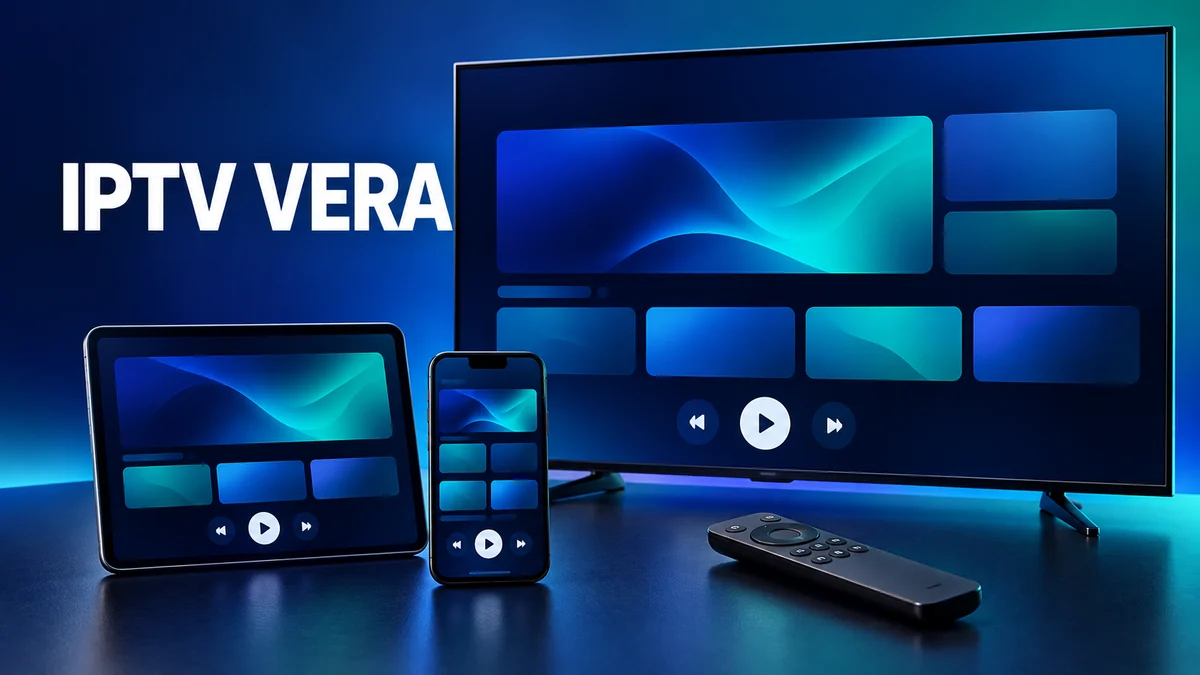
These are starting points based on documented platforms and features, not performance rankings. Match the app to the exact device and check its official store entry before paying. A familiar product name can refer to different editions, and a television brand alone does not identify its operating system.
| Device | Apps to consider | Check first |
|---|---|---|
| Fire TV / Firestick | VLC for Fire TV | Fire OS or Vega OS; edition in Amazon Appstore. |
| Android TV and boxes | TiviMate, IPTV Smarters, XCIPTV | TV edition and remote navigation. |
| Google TV | TiviMate or XCIPTV | Compatibility shown in Google Play. |
| Samsung | IBO Player Pro, Smart IPTV | Model/store; Smarters availability varies. |
| LG | Smart IPTV or IPTV Smarters | Availability for your webOS version. |
| Hisense | TiviMate on compatible Google TV/Android TV models | Send the exact model for VIDAA or Roku. |
| iPhone / iPad | Smarters Player Lite or VLC | Developer identity and required iOS version. |
| Apple TV | Smarters Player Lite or VLC | Required tvOS version in the App Store. |
| Windows / Mac | VLC or IPTV Smarters | Desktop edition rather than a mobile port. |
| Formuler | MYTVOnline supplied for your model | App generation and box features. |
| Dreamlink | Confirm the model’s player with us | No universal app recommendation verified. |
Choosing an IPTV app for Firestick now requires an operating-system check. VideoLAN distinguishes Fire OS from Vega OS; their apps are not interchangeable, and VLC for Vega is described as Early Access. Google confirms Google Play access on Google TV, with app compatibility still depending on the device. For an IPTV app for Samsung TV, check the television’s own store. Hisense Canada’s catalogue also distinguishes Google TV, Fire TV, VIDAA and Roku models.
TiviMate: a player designed for Android TV
TiviMate by Armobsoft FZE is designed for Android TV and remote controls. Its programme guide, favourites and multiple-playlist management make it a useful starting point for people who mainly watch live channels. Supported playlist formats include M3U and Xtream Codes access.
It is free to download with paid Premium features. A current Canadian price and free-trial duration could not be publicly verified on October 18, 2026; check the TiviMate developer’s purchase screen. It is explicitly not optimized for phone and tablet touchscreens. Use our TiviMate setup guide for Android TV and Google TV once you have chosen it.
TiviMate vs IPTV Smarters: match the interface to your habits
IPTV Smarters Pro organizes your service’s live channels, movies and series. Its developer lists Android, Android TV, Windows and macOS editions. The verified Apple version is called Smarters Player Lite, published by WHMCS SMARTERS for iPhone, iPad and Apple TV. Features vary between platforms.
The Smarters terms describe free basic and paid Premium versions. On October 18, 2026, the Canadian App Store lists “Buy Premium Version” at CA$2.99 for Lite, not a universal Pro price. TiviMate focuses on remote-driven TV use; Smarters spans more device categories. Smarters lists LG support but says its updated Samsung app is still under review, so do not assume it is available on your TV.
IBO Player Pro: identify the edition before activation
Several listings use similar IBO names. Begin with the IBO Pro developer website to identify its editions. The developer-linked Samsung listing states seven free days followed by paid activation. The player opens your own content; paying for its activation does not purchase an IPTV subscription.
On October 18, 2026, Ibo Pro Player by IRBOETECH in Canada’s App Store lists CA$12.99 for “Activation” on its iPhone, iPad and Apple TV edition. Do not apply that price to Samsung or Android, where we could not verify an amount. Playlist management is its useful starting point; edition-specific activation is the limitation to check. Test on the actual device before paying.
XCIPTV: a free Android player with ads
XCIPTV PLAYER by OTTRUN is offered as a free, ad-supported player for Android TV, Android phones and tablets. It includes its own playback engines, favourites and an electronic programme guide. The official listing also describes catch-up and recording tools.
Those functions require compatible source data and service support; an app cannot create catch-up availability for a channel. No current paid consumer Premium tier was verified. Consider it if you want a structured Android interface and accept ads. We have not recommended an Apple edition because its current store availability could not be confirmed.
MYTVOnline: use the version supplied for your Formuler
Formuler supplies MYTVOnline on compatible devices. Different box generations use different versions, so follow your model’s product page. Its TV navigation, programme guide and model-specific features are designed around the box and remote. That integration is the reason to start with the supplied player.
It is not a universal free download for every television: the software accompanies the hardware, whose purchase is separate from your IPTV service. For Dreamlink, we could not verify a current developer or official-store listing supporting a model-specific app recommendation. Send the exact model and installed player name before choosing a paid application.
Smart IPTV: a separate activation for the television
Smart IPTV is a playlist player listed for Samsung and LG, subject to model and store availability. It is an option for viewing directly on a smart TV. After the free period, official Smart IPTV activation is a one-time €5.49 per device, checked October 18, 2026.
This is a euro amount, not a Canadian-dollar quote; your payment method determines conversion. It pays for the application only. Make sure your playlist works on that television before activating. For configuration steps, use our Samsung and LG IPTV setup guide.
VLC: free playback on computers and Apple devices
VLC by VideoLAN is a free, open-source multimedia player for Windows, macOS and other platforms. Its Canadian Apple listing also confirms iPhone, iPad and Apple TV, with network-stream playback, subtitles and multiple audio tracks. It is a practical way to check a stream on hardware you already own.
Our recommendation is to use VLC for straightforward playback, rather than choosing it to recreate an entire cable-style interface. It does not supply a channel subscription. If you need an IPTV app for iPhone, compare it with Smarters Player Lite, then follow our iPhone and iPad IPTV setup guide.
IPTV app fees and a useful trial on your device
Premium and activation charges go to the app developer, separately from your IPTV Vera subscription. An app licence does not increase your plan’s connection allowance. Compare IPTV Vera plans for your household, then pay only for app features you expect to use. Check the billing period and device coverage at checkout, even when the app’s download is free.
During a trial, check favourites, audio, subtitles and guide readability from your normal viewing distance. Watch a live channel at the time you normally use the service. Note whether returning from playback to the channel list feels comfortable. If playback pauses, change one setting at a time so you can tell what actually helped.
Our IPTV setup guides by device cover the next steps, including the Fire TV and Fire Stick setup guide. Send the full model rather than only the brand: two Hisense televisions or two Fire Sticks may need different app recommendations.
Choosing a provider first? Run the 8 checks for the best IPTV in Canada before you settle on an app.
Best IPTV app: common questions
What is the best IPTV app for my device?
It depends on the operating system, available store and how you watch. TiviMate suits Android TV; Smarters Player Lite and VLC are options on compatible Apple devices. Send us your exact model for a suitable suggestion.
Does paying to activate an app include IPTV Vera?
No. App fees go to the app developer. Your IPTV Vera subscription is separate. Check the free period, price and covered device before paying for activation.
Can I use the same app on Samsung and iPhone?
Not automatically. Editions and features differ by operating system. Check each official listing and activation before paying for multiple devices.
Can I test my app with IPTV Vera?
Yes. Request the 24-hour free trial and tell us your device. Test your channels and navigation; we can help in English or French.
IPTV app sources
Sources and prices checked October 18, 2026. Recommendations are based on documented platforms and features.
- TiviMate, Google Play
- IPTV Smarters, platform availability
- IPTV Smarters, features
- IPTV Smarters, free and Premium terms
- Smarters Player Lite, Canadian App Store
- IBO Pro developer website
- Ibo Pro Player, Canadian App Store
- Ib Player Pro, Samsung listing
- XCIPTV PLAYER, Google Play
- Formuler, MYTVOnline
- Smart IPTV activation
- Smart IPTV, Samsung listing
- Smart IPTV, LG listing
- Hisense Canada, models and operating systems
- VideoLAN, VLC
- VLC, Canadian App Store
- VideoLAN, VLC for Vega OS
- Google, Google TV and Android TV apps
- TiviMate developer website
- Formuler, MYTVOnline programme guide
Test your IPTV app with a 24-hour free trial
Request your 24-hour IPTV free trial, with no credit card. Tell us which device you use and we will suggest an app for it.